

NAME, simplify contact name entry

Check and correct titles, first names and last names at the point of data entry.

SOLUTION

Check and correct titles, first names,
and last names with NAME

The NAME module enables you to instantly simplify and make reliable the info submitted in the Title, First Name, and Last Name fields of your forms.

Based on inputted title, NAME lets you to easily improve and maintain the quality of your customer databases in real time or in batch mode.

Features

Consistency check between the first name and the title entered
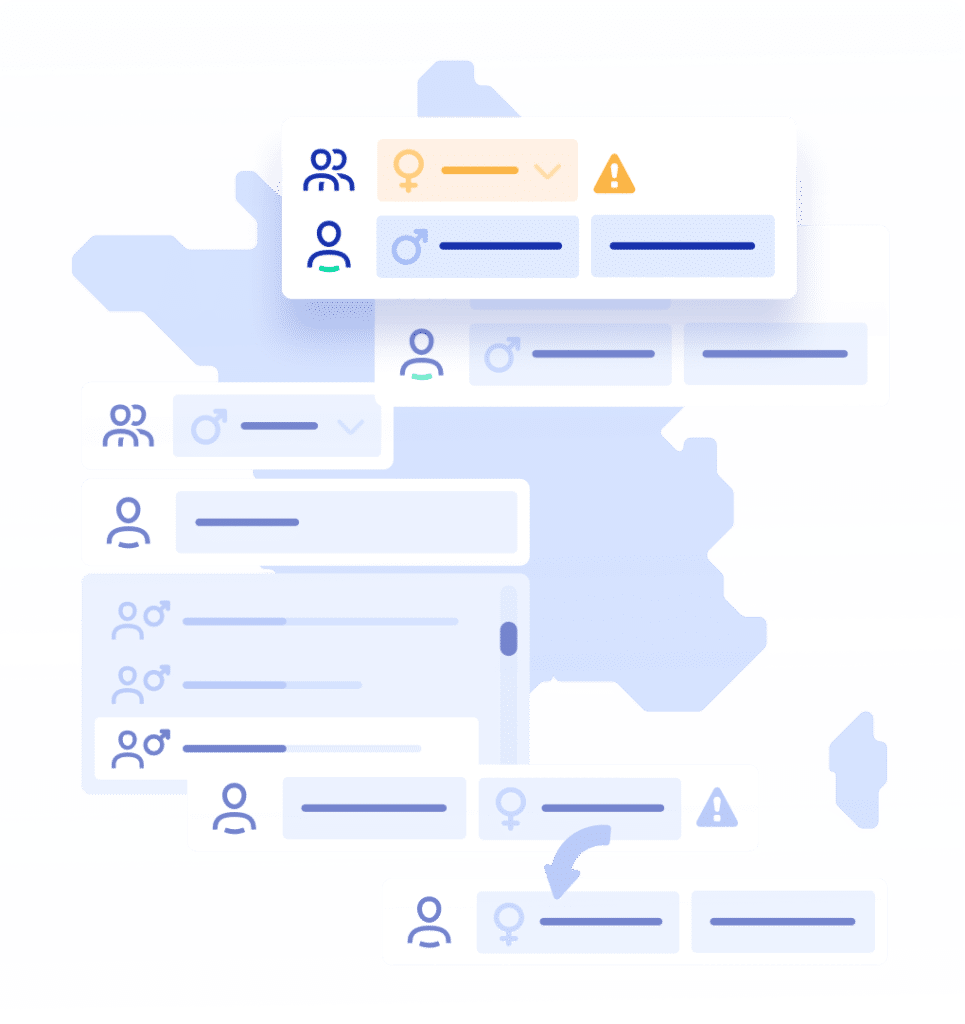
A title entered not matching the gender of the first name will be detected to alert the user so that they can correct it. This feature is available in real time.


This happens when the title has not been entered or has been entered incorrectly in a database. This feature is available in batch mode.


Autocomplete of the first name field according to the title selected and the first letters entered, and the last name field.

In addition to correcting title errors, the technology can process reversals between last and first name fields.

 
USE CASE

Why use the NAME module?

Validation of first name, last name, and title is often neglected in data collection. However, the accuracy of this data is essential to qualify and address your prospective customers correctly.

With NAME input help, you avoid errors with this data and prevent false names from entering your customer database. Contact your customers and prospective customers with peace of mind and personalize your messages. Thanks to NAME, you have your recipient’s or contact’s title, first name and last name in your CRM without errors. The reliable quality of this data enables you to rapidly identify your contact, control your targeting, personalize your communications, and improve interaction with your customers and prospects.

The benefits of the NAME module

Rapid input

Significant time savings when inputting first and last names in online forms.

Marketing performance

Increases the effectiveness of campaigns as personalized messages can be written without gender errors.

Customer relationship

Better customer experience in stores or in call centers via a greater sense of belonging and engagement.

Single customer view

First and last names become reliable and standardized additional search keys, improving deduplication operations.

How does it integrate in your
systems?

FAQ

Name fields are among the most error-prone in any data entry form. People invert first and last name order, use nicknames instead of legal names, enter titles in the wrong field, or make simple typos. Cultural differences compound the issue — naming conventions vary widely across countries (e.g., compound surnames, middle names used as primary names, non-Latin scripts). Without assisted input or validation, name fields accumulate inconsistent, unreliable data that is hard to clean retroactively. 

A given name is the name assigned at birth; a first name typically refers to whichever given name is used in daily life. In databases, this distinction matters because people may have multiple given names but only use one, or may go by a middle name. Without normalization, the same person can appear as “Jean-Pierre Martin”, “J.P. Martin”, or “Martin Jean-Pierre” across different records — creating duplicates and making targeting or personalization unreliable. Tools like DQE’s NAME module help standardize name entry and detect the correct civility automatically. 

Civility (Mr., Ms., Dr., etc.) is typically inferred from a first name using a probabilistic model trained on national name-gender datasets. The system checks whether a given name is predominantly male, female, or gender-neutral within a specific cultural context, and suggests the most likely civility. This reduces manual input steps in forms and improves personalization accuracy in communications — since addressing someone with the wrong civility is a common and damaging error. 

Inconsistent name storage causes several downstream problems: failed deduplication (the same person isn’t recognized across records), personalization errors (emails addressed to “Dear John Smith” instead of “Dear John”), difficulty finding a record by name search, and compliance issues if legal name requirements apply (e.g., for contracts or identity verification). Standardizing name capture at the point of entry, as DQE’s NAME module does, prevents these issues from accumulating. 

The best approach is assisted input rather than rigid validation — guiding users toward correct entries rather than blocking them. Real-time suggestions for first and last name completion, automatic detection of inverted fields, and soft alerts (rather than hard errors) improve data quality while keeping the form experience smooth. DQE’s NAME module uses this approach, offering fast completion based on the first characters typed, without creating friction for the end user. 

Perform a search